

Image Generation
Placeholder while generating, then the real image when you have a URL — driven by status and src, not fake loops.
Generating
Default
status="generating"
shows the shimmer canvas with your prompt.
1024 × 1024
<neura::image-generation
    :prompt="\$prompt"
    status="generating"
/>
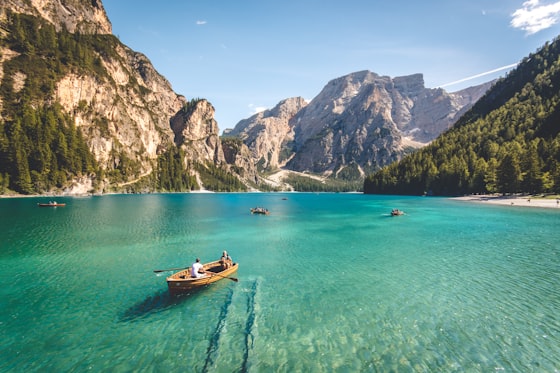
Done with image
When the job finishes, pass
status="done"
and
src
.
 1024 × 768
<neura::image-generation
    :prompt="\$prompt"
    status="done"
    :src="\$imageUrl"
    aspect="landscape"
/>
Aspects
1024 × 1024
768 × 1024
1024 × 768
<neura::image-generation aspect="square" :prompt="\$p" />
<neura::image-generation aspect="portrait" :prompt="\$p" />
<neura::image-generation aspect="landscape" :prompt="\$p" />
Props
| Prop | Type | Default | Description |
|---|---|---|---|
| prompt | string | '' | Generation prompt |
| status | generating|done | generating | UI phase |
| src | string|null | null | Image URL when ready |
| aspect | square|portrait|landscape | square | Frame size |